
A daily photo ritual
The quiet dread of a full camera roll, handled a little at a time.
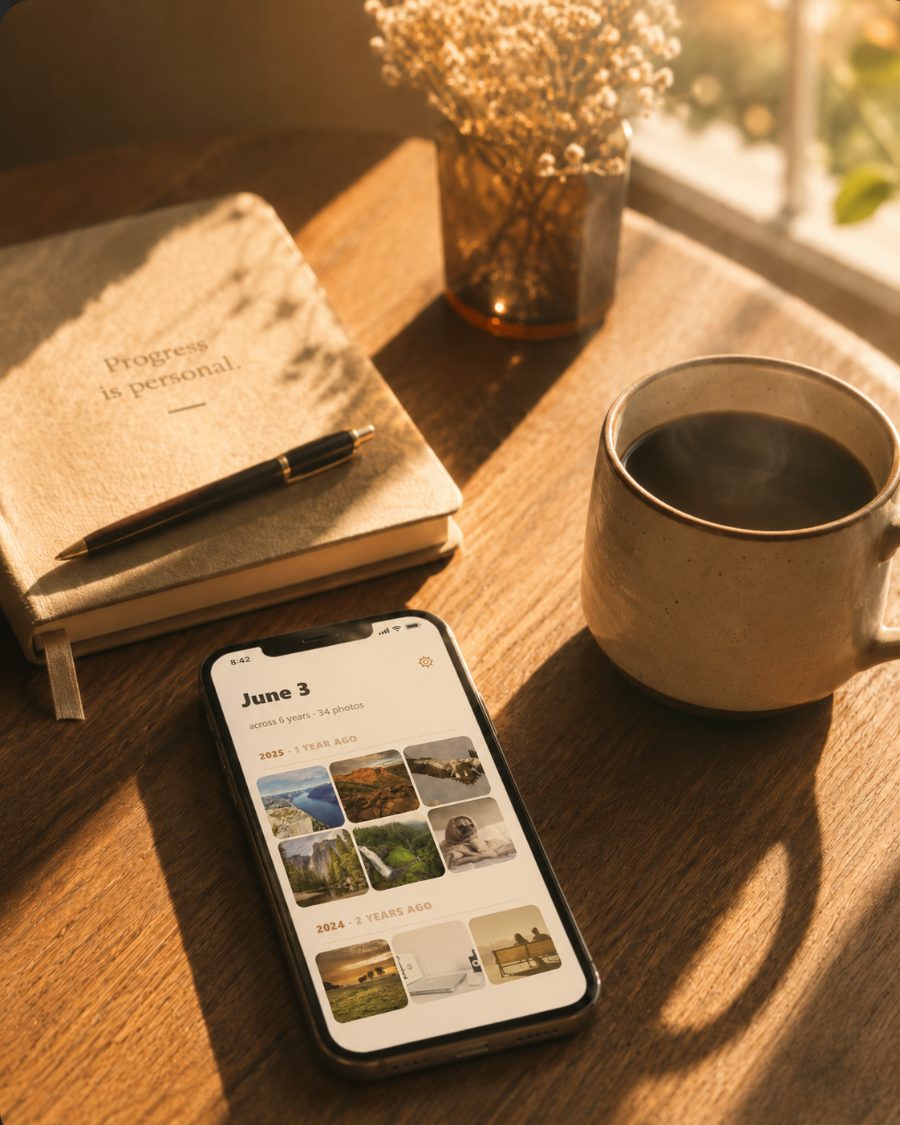
This Time Last Year shows you every photo you took on today's date, across all your years. Keep what matters, clear the rest, and close the app in five minutes.
On-device. One-time price. No subscription, and nothing leaves your phone.


Sound familiar
The roll never gets cleaned, because all of it at once is too much to face.
Thousands of photos. Years of them. You open the library meaning to tidy up, and the sheer size of it sends you right back out. So the notification keeps coming back, and the dread settles in for good.
It was never that you didn't care. It's that there was never a place to begin.
A smaller beginning
So we made it small. One day at a time.
Each morning, you see just one date's worth of memories from across your years. A handful of photos, not ten thousand. You keep the ones you love, clear the rest, and you're done before your coffee cools. The backlog quietly shrinks while you do the nicest part: looking at your own life.
An album, not a chore
Built to feel like looking back, not cleaning up.
Today, across the years
Open the app and there it is: every photo from this date, gathered and grouped by year. The same morning, the same little anniversary, seen all at once.

See the whole photo, swipe through years
Tap any memory to fill the screen, then swipe to travel through the same date, year by year. Big enough to actually see. Close enough to feel.

Mark and clear in one tap
A single tap sets a photo aside. When you're ready, clear them all together. Nothing is rushed, and nothing leaves until you say so.
Found one worth keeping? Share it straight from the viewer. A gentle daily reminder and home-screen widget make the habit effortless.

Flags the blurry ones
Shots that didn't quite land get a quiet advisory badge. Easy to spot, easy to clear — and it never marks anything without you.
Spots your screenshots
Screenshots mixed into your memories get their own badge so you can find and clear them in one pass.
Catches the duplicates
Burst shots and rapid-fire sequences get flagged together, so keeping the best one and clearing the rest takes seconds.
Select many, decide once
Long-press to mark one, or enter select mode to tap through a whole group at once. Mark all screenshots, all duplicates, or any mix — then delete together.
Why this exists
I didn't set out to build an app. I built myself a little iPhone shortcut that showed me the photos I took on this date in past years, so I could clean up a few at a time. I used it almost every day. It kept breaking, the photos were too small to really see, and I couldn't tap into a single one. But somewhere in there, something I didn't expect happened. I started looking forward to it. Not for the cleanup. For the photos. This is the app I wished that shortcut had been.
Yours, and only yours
Your photos stay your photos.
One-time price
Pay once. It's yours to keep.
No subscription
No monthly fee, ever.
On-device only
Everything happens on your phone.
No data collected
Nothing uploaded. Nothing sold.
Five minutes from now
Start with today.
Comes in three quiet themes: Warm Cream, Dusty Rose, and Slate & Fog.